Animate Kids’ Drawings: Photo Tips
Try the drawing your child is excited to tell you about. A favorite crayon picture or a marker sketch with a clear subject is a good first pick; it doesn’t need to be tidy or realistic.
Upload your child’s drawingA child’s drawing before and after animation
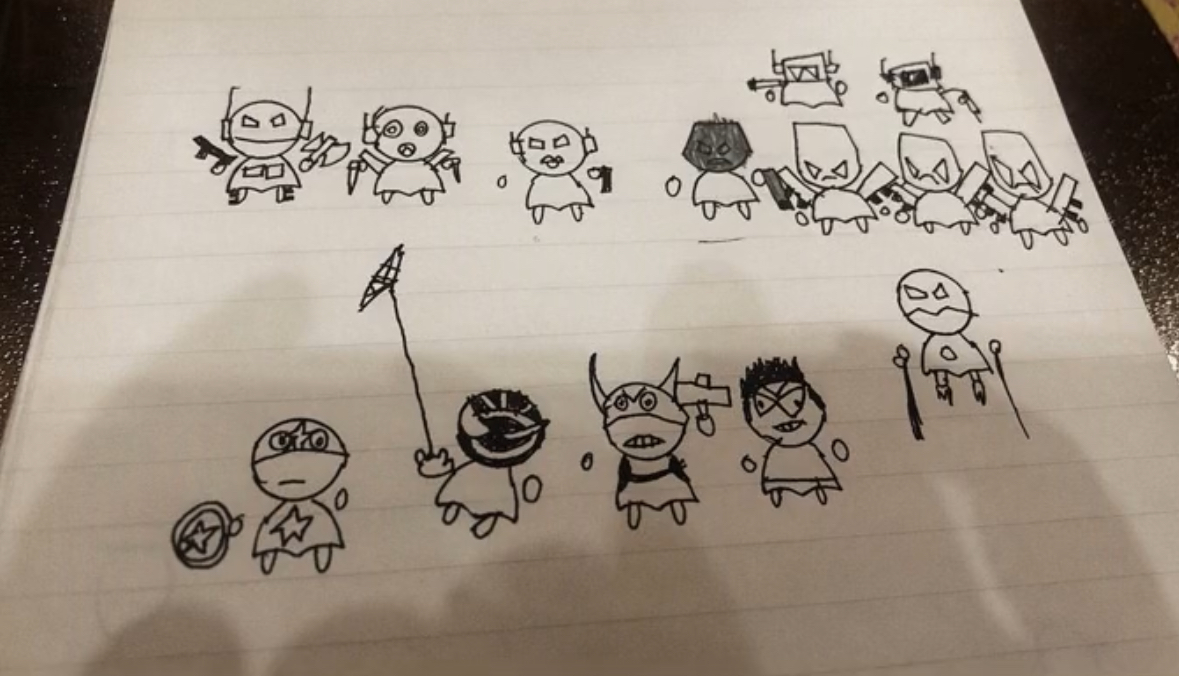
Pick one drawing you can read at a glance
Look for a figure, animal or object that stands out. For a scene, ask your child what matters most: the people, the house, or the bright sky? Pick a page where you can see those details without guessing. If the marks are faint, check the photo before choosing a different drawing.
Photograph the full page with your phone
Lay the paper flat by a window with indirect light. Switch off the flash, hold the phone parallel to the paper and leave a little room around all four corners. Tap to focus, then zoom in on the photo to check for blur, shiny spots or a shadow from your hand. Retake it if an important line disappears.
Check what’s in the frame before uploading
Keep the drawing and leave out unrelated details such as school labels or other papers. An adult should check that they have permission to use the artwork. Choose illustration plus animation for a video, then preview it together before sharing.
Why photograph the whole page?
Meta’s Animated Drawings focuses on rigging a character. Here, the whole photo informs a new gouache storybook scene, so the background matters too. Choose illustration plus animation to download the finished video.
Animated Drawings from Your Child’s Art
Upload your child’s drawing